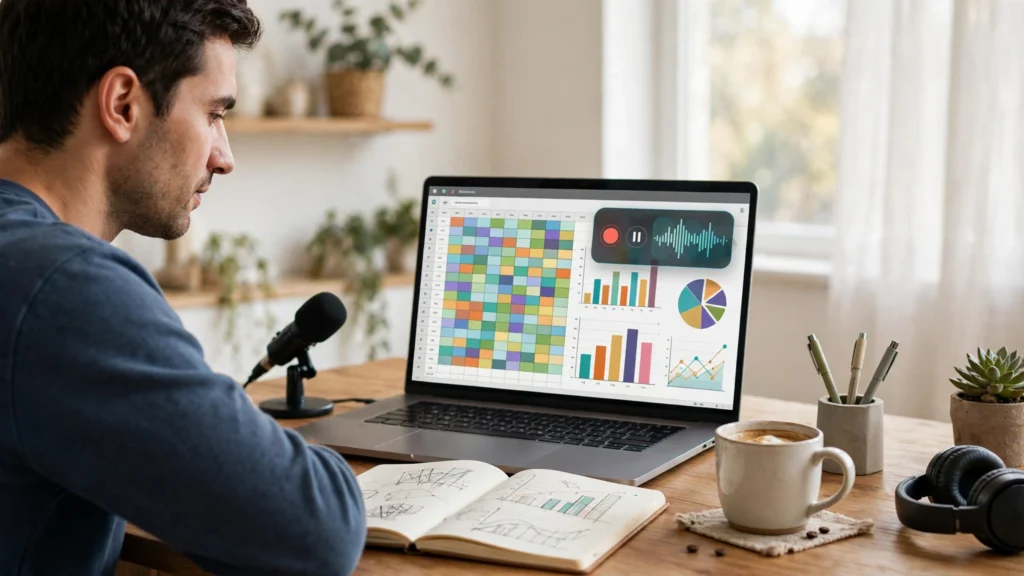
Spreadsheets are absolutely fundamental to so much of the work that people do in a professional or academic environment. They’re used for organising information, doing the sums, producing reports, and finding all sorts of interesting patterns in large datasets. The problem with learning these skills is that if all you’ve got are text instructions, then it can be a bit of a struggle. iTop Screen Recorder is a very basic screen recorder which can be used to record spreadsheet activity and turn a practical demonstration into a straightforward video.
Step-By-Step Explanation of Spreadsheet Formulas
Formulas provide a way for users to do the calculation and processing of information. If you’re new to this, it can be a bit of a head-scratcher to work out what the functions actually do, where to put them, and how various cell references will impact the outcome.
iTop Screen Recorder is useful for educators and content creators who want to record their screens as they’re explaining spreadsheet calculations. You could show how to select a cell, how to do a calculation, how to apply a function, and then see the result of that function. The viewer would actually be able to see it happening rather than just reading about it.
Explain Methods of Data Organisation
Spreadsheets can easily go off the rails without a bit of structure. A little sorting, filtering, formatting, and organising the data into the right sections can go a long way to making a data set much easier to understand.
Experts can demonstrate these techniques via screen recordings and real-world examples. They can record how to set up columns, how to use filters, how to highlight the bits of interest, and how to get the data into a format suitable for further analysis. Students, staff and new users can find these videos extremely useful in terms of learning the practical skills of working in a spreadsheet.
Create Visual Guides for Business Reporting
Businesses will typically have spreadsheet reports around sales, spend, performance, and all the other things that you’d expect. Staff will often require some training in terms of report creation and in the way that information is presented.
iTop Screen Recorder can be used to allow teams to provide visual guidance on how to perform these actions. A user can log their own actions in relation to filtering data, creating graphics, or putting together a report. You can then share these recordings with others who need to understand the same process.
Make Online Learning More Relevant
The standard way that online instructors teach spreadsheet skills is by doing a demo. They record the whole thing so that students can go back and re-work through the key stages should they need to.
Teachers can use the iTop Screen Recorder to create lessons on basic arithmetic, formatting data, creating charts, and all the other spreadsheet functions. They can also add their own voice comments to the demonstrations to make them more interesting and easier to follow.
Create a Personal Library of Helpful Tutorials
Spreadsheet tasks can be run on a weekly or monthly basis. Having recordings of the key processes involved could save you a lot of time if at some stage you need to remember how you put together a particular report or calculation.
iTop screen recorder makes it extremely easy to create and save visual guides for future reference. You can categorise your videos by subject, project, or software activity. A fantastic learning resource that you can go back to at any time.
Conclusion
Spreadsheets are such a vital skill in education, in business and in pretty much any professional job you can think of. iTop Screen Recorder is a great tool to use to teach people how to do calculations, how to structure their data, how to build reports, and all sorts of practical skills. It allows you to turn the process of doing a spreadsheet into a visual learning tool which in turn enables you to explain the process much more clearly and helps people to learn how to manage their data.




1 thought on “Make Data Analysis Tutorials Easier with iTop Screen Recorder”